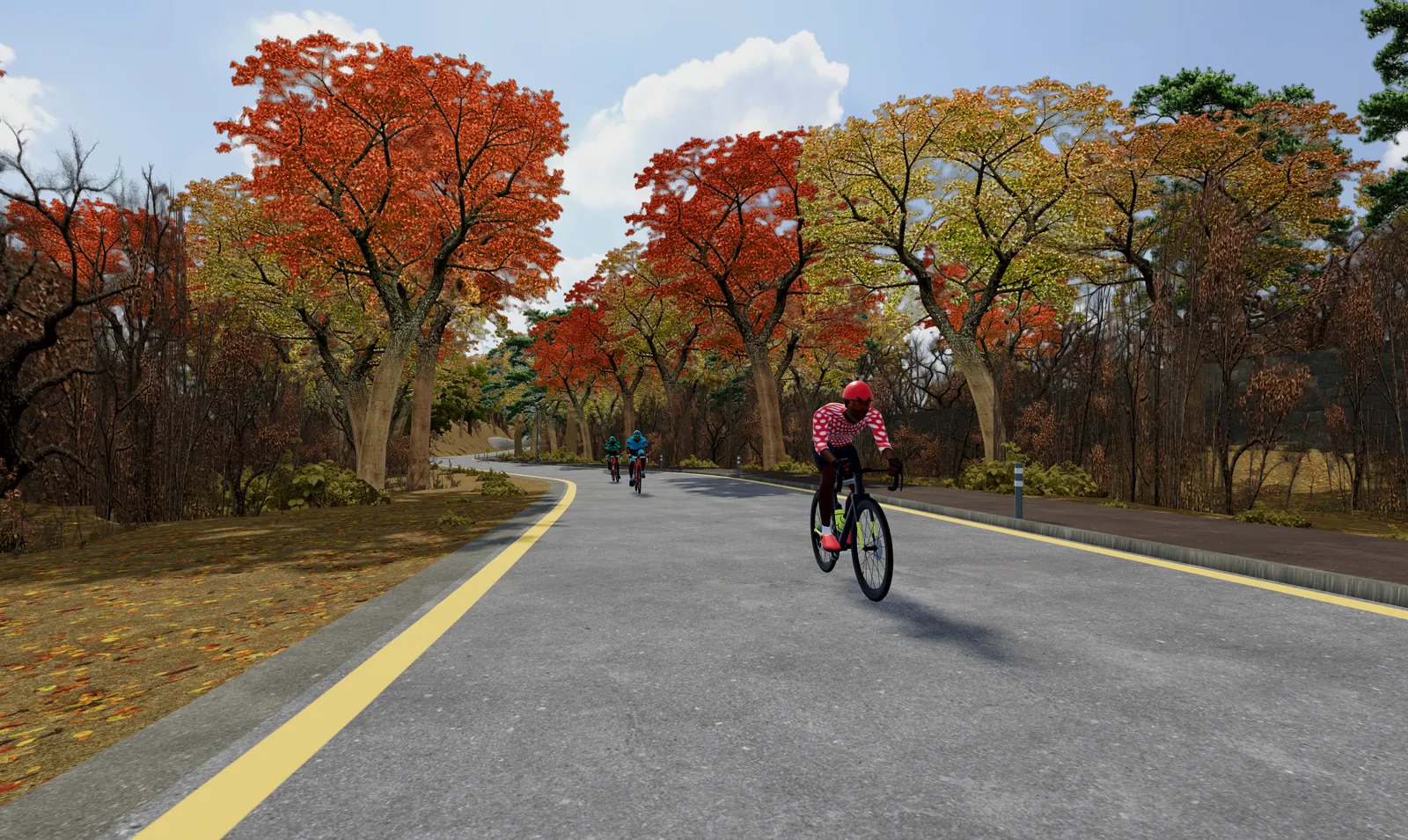
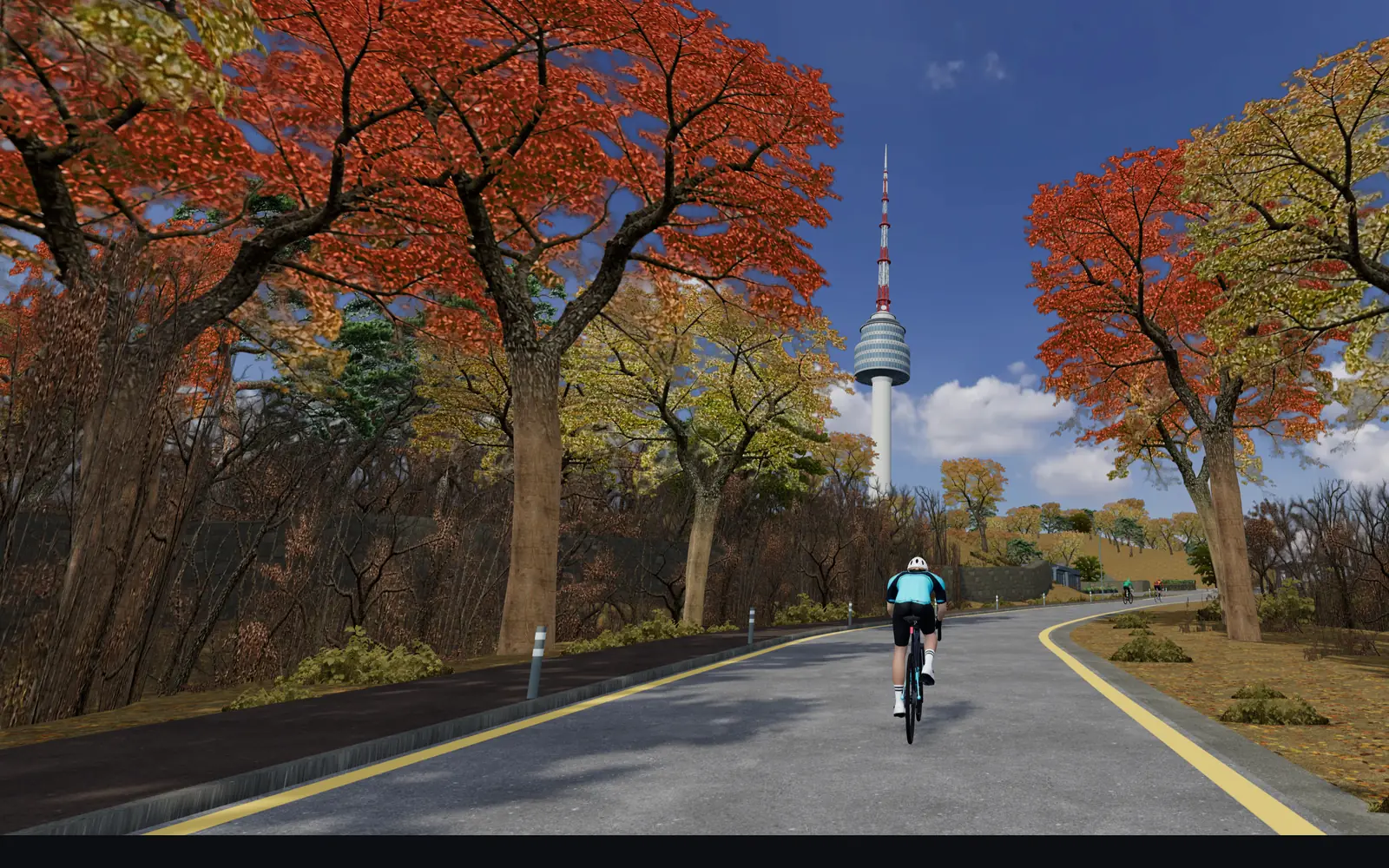
A WATTU rider climbing the Namsan south loop road toward N Seoul Tower, between red autumn trees

Namsan south loop road 2.1 km · avg 6.5%

Climb Namsan
from your living room

Ride Namsan, Bugak and the Han River at their real gradients.
In your browser, nothing to install, and free

Opens in Chrome or Edge on PC and Mac

Why WATTU instead of Zwift?

If you already own a trainer, these three things change.

  • Namsan2.1 km · +134 m
  • Bugak13.5 km · +452 m
  • Han River11.4 km · +27 m
  • Paldang24.8 km · +153 m

Roads you know

These are the roads you ride on weekends, not a made-up island. The courses are built from real maps and elevation data, and your trainer’s resistance follows their gradients.

A browser is all it takes

There’s nothing to install. Open wattu.app in Chrome or Edge on your PC or laptop, pair the trainer over Bluetooth, and ride.

  • WATTU$0
  • Zwift$19.99/mo
  • Rouvy$19.99/mo

US monthly prices, November 2026 · Zwift, Rouvy

No subscription

Courses, workouts, history and FIT files are all free.

Seoul’s roads, as they are

Ride 8 real roads, from the Namsan climb to the Han River bike path, plus Jeju, San Francisco and the Shimanami Kaido.

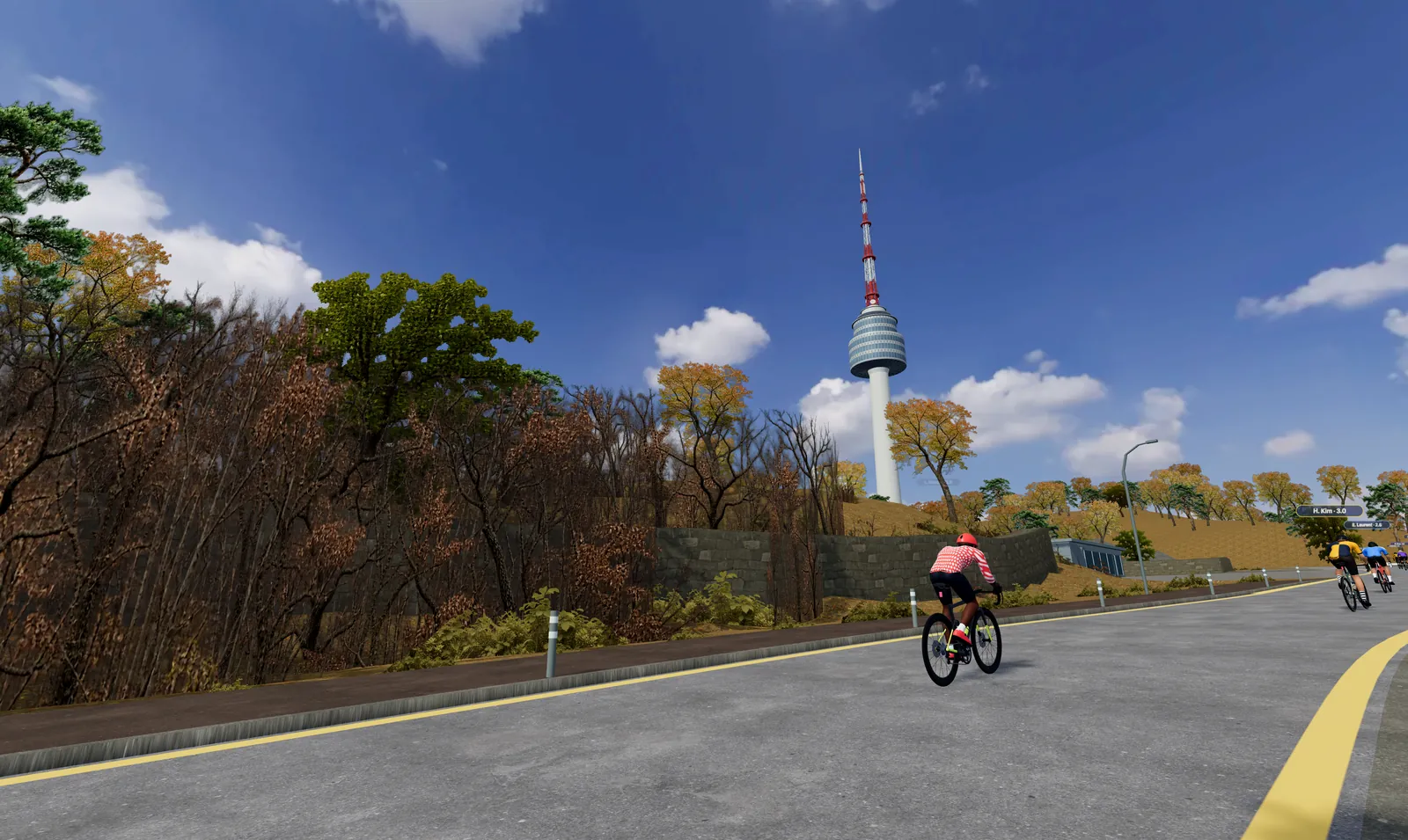
Riders climbing the Namsan south loop road towards N Seoul Tower
Namsan climb · South loop road2.1 km · +134 m · 6.5%
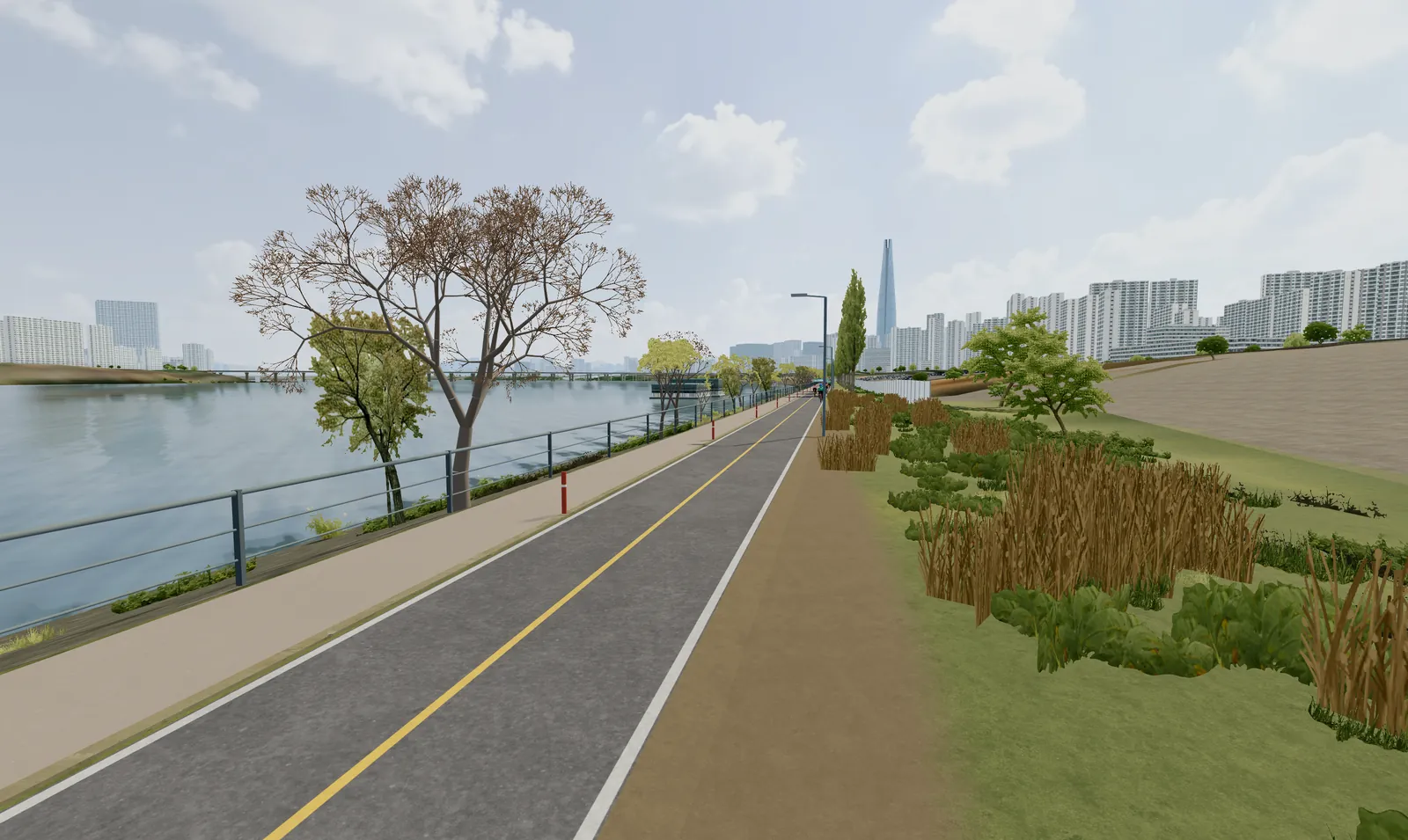
The Han River bike path with Lotte World Tower across the water
Han River · Banpo → Jamsil11.4 km · +27 m · 0.2%
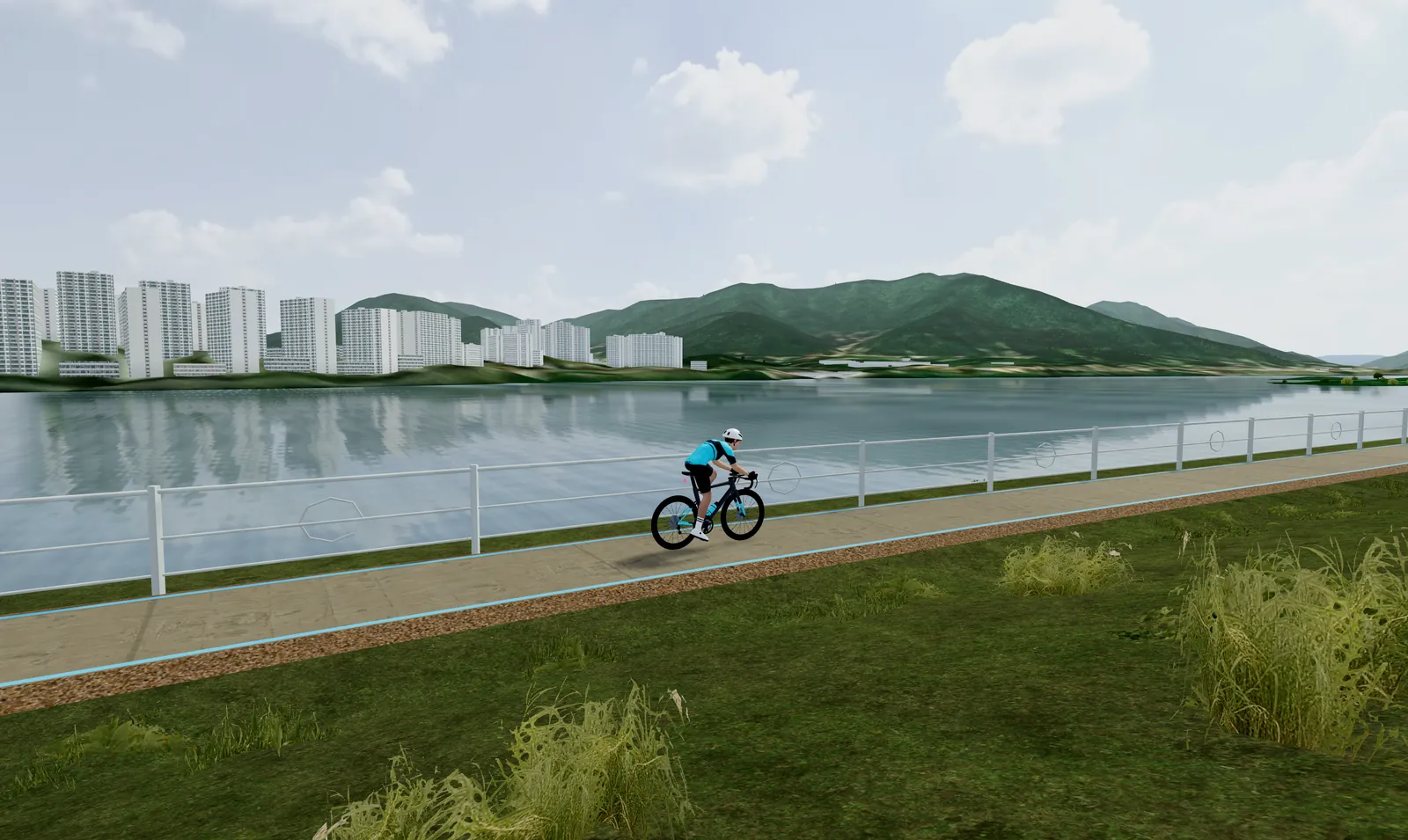
A rider on the Han River path to Paldang, between the river and the hills
Han River · Jamsil → Paldang Dam24.8 km · +153 m · 0.6%

Every course

Turn on the trainer. Open a tab. Ride.

There’s nothing to install, so you can ride tonight.

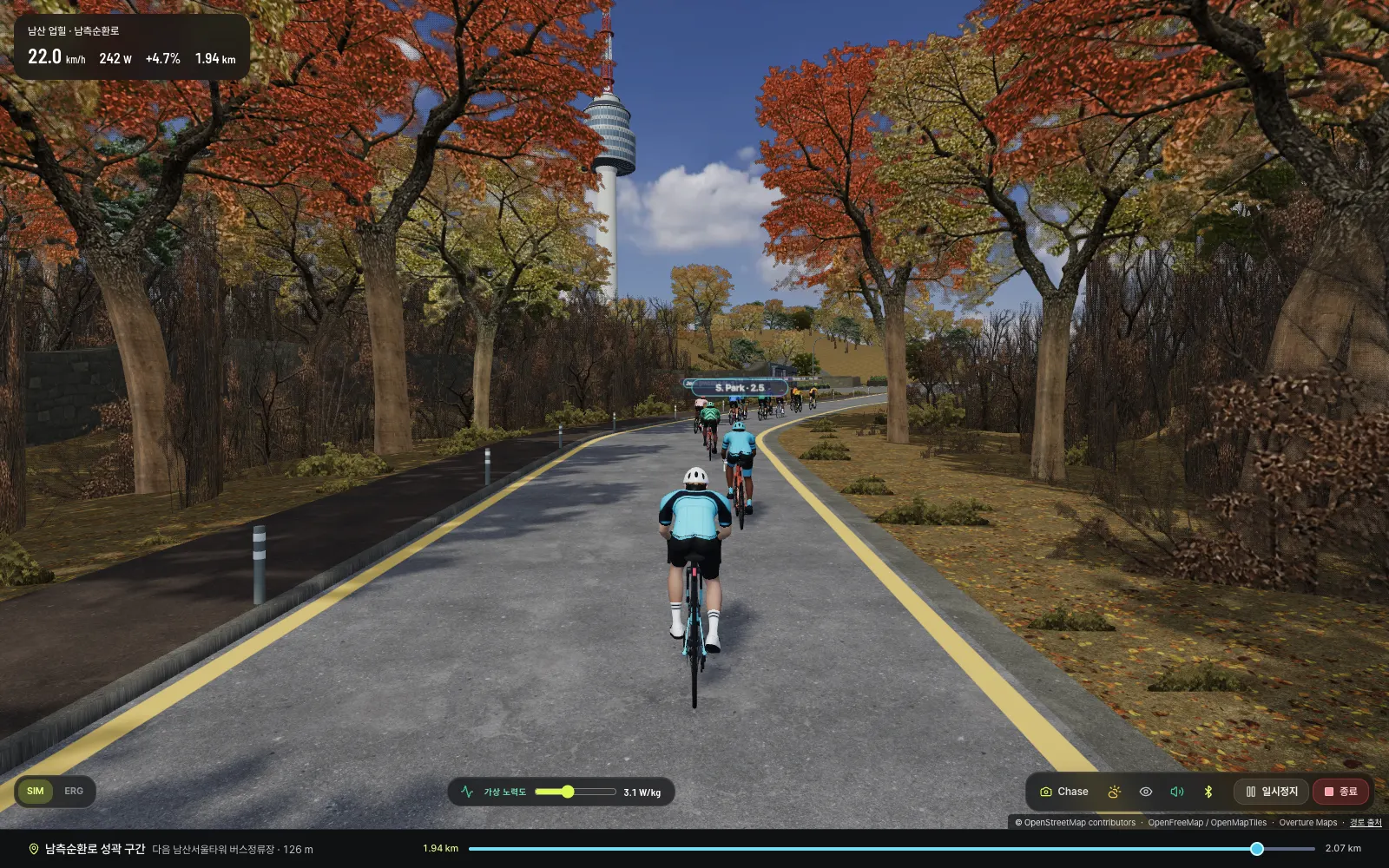
Riding the Namsan climb in WATTU: N Seoul Tower and other riders ahead; speed, power, gradient and distance at the top; SIM or ERG and virtual effort at the bottom
  1. 01

    Turn on your trainer

    Use a Wahoo KICKR or any Bluetooth FTMS smart trainer. Power meters, heart-rate monitors and cadence sensors connect too. No trainer? Explore with virtual effort.

  2. 02

    Open wattu.app and sign in

    In Chrome or Edge on a PC or Mac, sign in with your Google account, then press connect and pick your trainer from the browser’s list.

  3. 03

    Automatic trainer resistance

    In SIM mode the trainer’s resistance follows the course gradient, and Realism (85% by default) sets how much of the gradient is applied. In ERG mode the resistance holds your target watts.

Training and records, too

Everything from workouts to your Strava upload happens in one place.

Questions

Do I need a smart trainer?

No. Without one, the virtual trainer moves your rider so you can explore the courses. A power meter on its own works too.

Which browsers work?

It works in Chrome and Edge on a PC or Mac. Sensors connect through Web Bluetooth, which Safari and iPhone or iPad browsers do not support yet.

Which trainers can I connect?

You can connect Wahoo KICKR models and smart trainers that use the Bluetooth FTMS standard. Power meters, heart-rate monitors and cadence sensors connect too.

Does it upload to Strava automatically?

Not yet. One button saves the FIT file and opens Strava’s upload page. Drag the file in and you’re done.

Is it free?

Yes. Every feature is free to use.

Where are my rides stored?

They’re stored in your account, so your rides, settings, workouts and courses follow you to any PC or Mac you sign in on. Heart rate is the exception: it stays in the browser you rode in.

Is the app in English?

The ride screens are in Korean for now. Watts, gradients, maps and charts read the same in any language.
2.1 km to the top of Namsan

Turn on your trainer and open your browser.

Chrome or Edge on PC and Mac